Showing posts with label Software. Show all posts

Thursday, May 5, 2022

Microsoft is releasing an update to the Xbox app for iOS and Android, with a new social media feature

Microsoft is releasing an update to the Xbox app for iOS and Android, with a new social media feature

Microsoft is releasing an update to the Xbox app for iOS and Android, with a new social media feature

Players will be able to share screenshots, game clips and achievements with their friends and other users in the form of stories.
You'll also be able to respond to other people's stories with a reaction or message.You'll find stories on the app's home screen.
To share a clip, screenshot or achievement, log in to your channel, tap the plus sign on your player tag and select what you want to post to the gallery.
You'll be able to add a caption before you share your story.While Snapchat stories usually disappear after 24 hours, Xbox stories will be available for 72 hours.
That means your friends are more likely to see your updates if they can tear themselves away from the new season of Halo Infinite long enough.As part of the May update, another new feature for Xbox consoles was introduced.
Microsoft calls it quality of service (QoS) tagging.
It says it's a way to prioritize \"latency-sensitive outbound network traffic such as party chat, console streaming, and multiplayer.
\"The company says the feature could help keep your gameplay running in the face of connectivity issues on congested networks, but it's not yet clear how it will work.

Google Play service gets major update

Google Play service gets major update

Google Play service gets major update

Google Play version 22.15 and Play Store version 30.3 services are now available.
The main feature of the big Google Play update, released in May 2022, is an improved \"Sharing with Surroundings\" feature that works like AirDrop on Apple devices and is also compatible with Chromebooks and Windows PCs.The new feature allows you to send files, links and text from one of your devices to another without having to confirm on the second device.
The design of the Google Help app has also changed.Since last year, Google has been redesigning its various apps to take advantage of the Material You design, first introduced on the Pixel 6.
The monthly update also includes various security improvements.List of improvements and fixes:Fixed bugs in services related to account management, system management and diagnosticsMoved the existing device setup process for controlled work accounts to the web interfaceThe Nearby Share feature now allows users to more efficiently share content between their devices that are logged into the same accountImproved the \"Play as you load\" feature that allows gamers to n

Tuesday, May 3, 2022

Windows XP ran on a 1 MHz processor

Windows XP ran on a 1 MHz processor

Windows XP ran on a 1 MHz processor

A video appeared on the YouTube channel \"NTDEV\", where the Windows XP operating system was run on a 1 MHz processor, which is ancient in every sense.
The processor took three hours to boot up but eventually the OS started working.
The enthusiasts even managed to perform some manipulations but after half an hour the computer showed a blue screen of death.
Recall that the minimum system requirements to run Windows XP operating system is a 233 MHz processor.

Google Blocked 1.2 Million Dangerous Malware Attempts to Download the Play Store

Google Blocked 1.2 Million Dangerous Malware Attempts to Download the Play Store

Google Blocked 1.2 Million Dangerous Malware Attempts to Download the Play Store

Google announced that it was able to prevent 1.2 million dangerous apps from downloading to the Play Store for 2021.
However, some malware did find its way onto the platform.
About this writes Anti-Malware.To resist the download of dangerous software helped automatic mechanisms to protect the platform.
Prior to this, they have shown their effectiveness by blocking billions of malware.
In addition to applications the company has blocked 190 thousand accounts of dishonest developers, as well as 500 thousand inactive accounts.Google said that the company continues to develop means to protect users.
They introduced new tools for developers, improved SDK security, and restricted access to important APIs.
The Pixel branded smartphones feature malware detection.

Sunday, May 1, 2022

NVIDIA today announced support for its GeForce NOW cloud gaming service on Macs powered by Apple M1 chips

NVIDIA today announced support for its GeForce NOW cloud gaming service on Macs powered by Apple M1 chips

NVIDIA today announced support for its GeForce NOW cloud gaming service on Macs powered by Apple M1 chips

The updated GeForce NOW app for macOS will deliver increased performance and reduced power consumption on Macs with M1 processors, including the latest MacBook Air, MacBook Pro, 24-inch iMacs, Mac Studio and Mac mini.
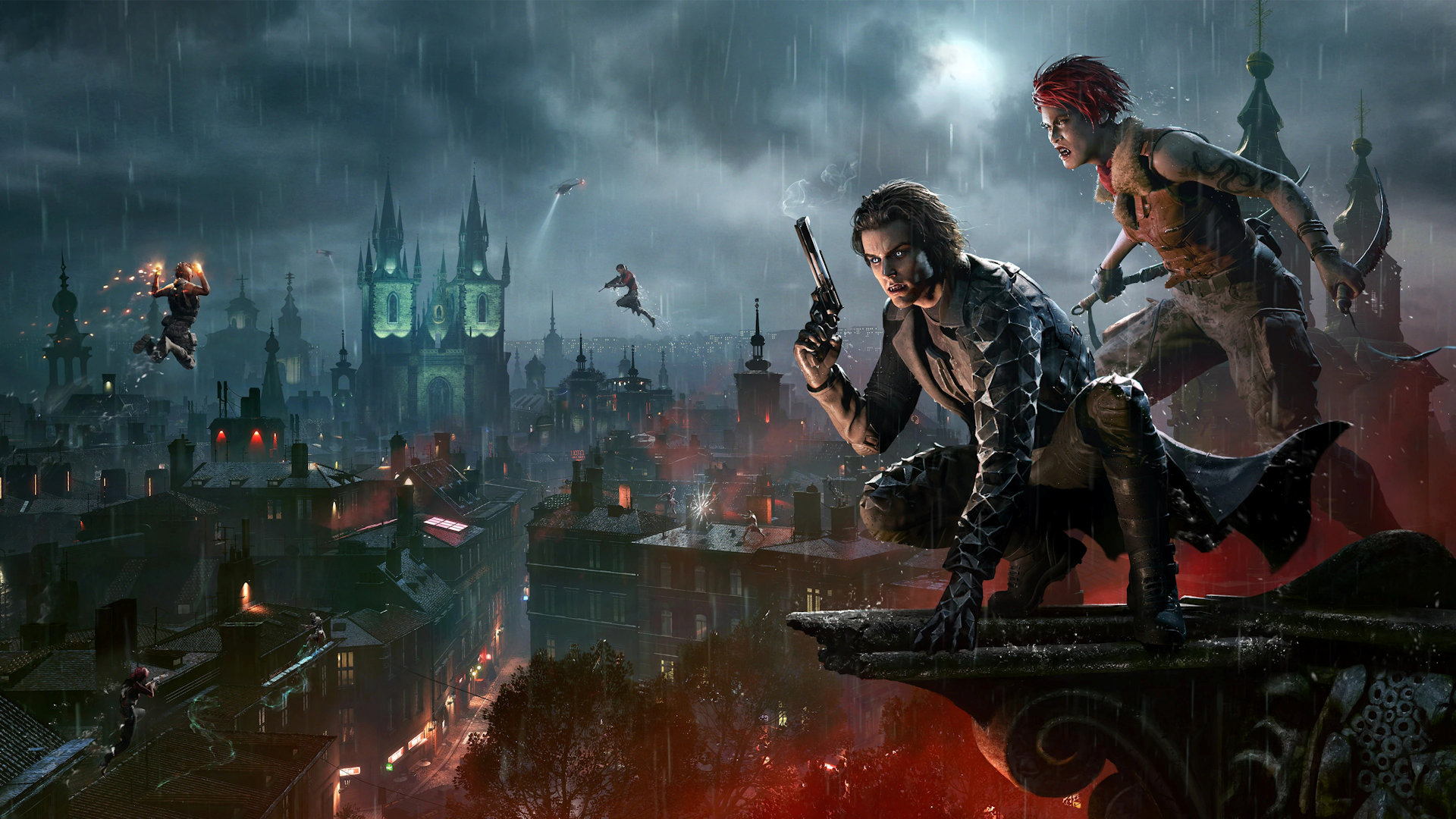
The company also added 14 new games to the service: Dune Spice Wars, Holomento, Prehistoric Kingdom, Romans: Age of Caesar, Sea of Craft, Trigon: Space Story, Vampire: The Masquerade-Bloodhunt, Conan Exiles, Crawl, Flashing Lights - Police, Firefighting, Emergency Services Simulator, Galactic Civilizations II: Ultimate Edition, Jupiter Hell, Lost Ark and SOL CRESTA.

The Russian analogue of GitHub will work by the end of the year

The Russian analogue of GitHub will work by the end of the year

The Russian analogue of GitHub will work by the end of the year

A Russian repository for OpenSource software is planned to be created by the end of 2022.
This was announced in Kazan by Maxim Parshin, deputy head of the Ministry of Digital Development of Russia.We expect that the Russian repository, which on the one hand will contain all the open source code from other repositories of the global, on the other hand, in this way will be integrated with other resources.
On the other hand, it will always be available to all the developers inside Russia.
So, this resource, we expect that by the end of the year it will be launched,\" Parshin said during a speech at the Russia Open Source IT Summit event held in Kazan.According to the Deputy Minister of Communications, the domestic Git repository will work within the next few months.
Other details about the code repository, including the exact timing of its launch, are not given.Earlier, the Ministry of Communications has already offered to allocate money for the creation of a Russian \"mirror\" of GitHub.
This is needed as part of anti-crisis measures and import substitution programs.
In addition, recently it became known that GitHub began to block the repositories of Russian developers who fell under the sanctions of the United States.
The repositories of Sberbank and \"Alfa Bank\" have already been blocked.GitHub is the world's largest and most famous service for the hosting of software code and collaborative work on it.
The site has been operating since 2008, and in June 2018 it was acquired by Microsoft for $7.5 billion.

Thursday, April 28, 2022

Windows 11 will get a more colorful Task Manager

Windows 11 will get a more colorful Task Manager

Windows 11 will get a more colorful Task Manager

Microsoft has given the Task Manager a significant update in preview builds of Windows 11 with an updated user interface, a menu on the left panel instead of tabs, dark mode, efficiency mode, new icons and more.Now it looks like another user interface change in development is different colors for the Task Manager.
For the last few iterations, the Task Manager has used a mustard or yellowish heatmap to show resource usage for each service.However, Microsoft is now working on integrating Windows 11's accent colors with the heatmap, as seen in a screenshot from the company's latest webcast:The Task Manager will account for accent colors as well as the overall OS theme, such as light or dark.This is primarily a cosmetic change, allowing Windows 11 applications to better match the overall OS design.
It will also allow users to personalize the OS to their liking, with the changes extending to the Task Manager.Microsoft emphasized that the build shown in its webcast is not the build that will be sent to insiders -- we expect a build this week -- but noted that task manager personalization will appear in a \"future build.\"

Tuesday, April 26, 2022

AMD Adrenalin 22.4.2 software released with support for Vampire: The Masquerade - Bloodhunt

AMD Adrenalin 22.4.2 software released with support for Vampire: The Masquerade - Bloodhunt

AMD Adrenalin 22.4.2 software released with support for Vampire: The Masquerade - Bloodhunt

AMD has released the latest version of the Adrenalin software version number 22.4.2 beta with optimizations for Vampire: The Masquerade - Bloodhunt.It also fixes a bug that caused 4K@120Hz displays and FreeSync to not display this mode on GPUs such as the Radeon RX 5700 XT.
This is the only issue fixed in this release.Known issues:Video chip usage can get stuck at 100% in Radeon performance after closing games on some AMD graphics products such as the Radeon 570.Some Windows 10 users may observe a lack of Windows aero transparency effect.The display may flicker black when switching tabs between video playback and gameplay on some AMD graphics products such as the Radeon RX 6700 XT.Using Radeon Super Resolution on displays with ares A temporary workaround is to set the display's scaling mode to full panel.Improved sync may cause a black screen to appear when turning on in some games and system configurations.
Any users who may have problems with Enhanced Sync enabled should disable it as a temporary workaround.The Radeon performance metrics and logging features may periodically report extremely high and incorrect memory clock speeds.Download AMD Software Adrenalin 22.4.2 beta from the official site.

NVIDIA Announces Omniverse Cloud for Content Creators and Designers

NVIDIA Announces Omniverse Cloud for Content Creators and Designers

NVIDIA Announces Omniverse Cloud for Content Creators and Designers

NVIDIA has announced the launch of Omniverse Cloud system services to connect tens of millions of designers and content creators.
The announcement was made at the GTC 2022 conference.Among Omniverse Cloud services are the following useful tools:Nucleus Cloud (a \"one-click\" data sharing tool that allows access to edit large 3D scenes from anywhere without having to transfer massive datasets)Omniverse Create (an application for technical designers and artists that interactively creates 3D worlds in real time)View (an application for non-technical users that lets you view Omniverse scenes in streaming mode with full capabilities Within Omniverse Cloud, you can connect other professionals by simply sending them a link.

Microsoft releases new Auto HDR features for Game Bar in Windows 11

Microsoft releases new Auto HDR features for Game Bar in Windows 11

Microsoft releases new Auto HDR features for Game Bar in Windows 11

Last year, Microsoft introduced Auto High Dynamic Range (HDR) for your PC gaming experience, allowing you to breathe new life into your existing games by giving them a whole new range of vibrant colors.
Today, Microsoft is excited to share additional enhancements for working with Auto HDR on PCs that are now available in Windows 11 and the latest version of Game Bar.
Microsoft listened to your feedback about Auto HDR and has added new settings that give gamers more control over their experience.Game Bar Auto HDR Intensity SliderAvailable to all Windows 11 users today if you download the latest version of Xbox Game Bar from Microsoft StoreThe Auto HDR Intensity Slider lets you control how bright and saturated colors should be in your game with Auto HDR.
For games with very bright or dim colors, you can adjust the slider to your liking to get the best experience with Auto HDR.
If you drag the slider all the way to the left, you'll have minimum intensity, which is equivalent to turning off Auto HDR, and if you drag the slider all the way to the right, you get full Auto HDR intensity.To open the Xbox Game Bar, you can use the Win+G key combination.
To use the intensity slider, go to the Xbox Game Bar, then click the \"Settings\" button.
Under \"Settings,\" click the \"Game Features\" section.
In this section, you will see a button that says \"Adjust HDR Intensity.\" When you click this button, a pop-up window will appear with an intensity slider.
If you want it to stay in the Game Bar overlay, you can pin it by clicking the pin button in the upper right corner.
This allows you to control the intensity of the colors in the game.Note that this slider only applies to games with Auto HDR, not to games with existing native HDR.
The intensity level is saved for each game, which means that you can set a specific intensity level for AHDR for a particular game, and it won't affect the Auto HDR settings in other games.
The next time you play the same game, the Auto HDR slider will remember your previous settings.Below is an example of the Auto HDR intensity setting in Minecraft Dungeons in game.
Notice how the intensity of the red tarp changes.Game Bar Auto HDRFor all Windows 11 users today, if you download the latest version of Xbox Game Bar from Microsoft StoreIn addition to the Windows Settings app, you can now also turn Auto HDR on and off by simply opening the Xbox Game Bar in your game.
Navigate to the Xbox Game Bar, then click \"Settings.\" Under \"Settings,\" click the \"Game Features\" section.
In this section, you'll see a checkbox for \"Use Auto HDR with supported games.\" Make sure it's checked if you want to use Auto HDR, and uncheck it if you don't want to use Auto HDR.
You'll need to restart the game for your changes to take effect.To access these new Xbox Game Bar features, you must have a version of the Xbox Game Bar newer than 5.721.
You can download the latest version of Xbox Game Bar through the Microsoft Store.Compatibility with Multiple GPUsAvailable to Windows InsidersLast year Microsoft added support for Auto HDR for settings with multiple discrete GPUs, such as Nvidia's Scalable Link Interface (SLI) and AMD CrossFire in DirectX12 games.
In other words, if you have a setup that takes advantage of multiple GPUs, you can now use Auto HDR in more games.
This feature is currently available in the latest build of the Windows Insider Program in the Dev and Beta channels.Customize Auto HDR NotificationsAvailable to Windows InsidersFinally, Microsoft has heard your feedback about the excessive Auto HDR notifications.
If you find the notifications for Auto HDR distracting, you can turn these notifications off in Settings.
Open the Windows Settings app, then go to \"System\" and then to \"Notifications.\" There you'll see a list of notifications from apps and other senders.
Find the option for Auto HDR and set the switch to \"Off\" if you want to turn notifications off.
Microsoft also gives you the option to change the settings so that the notification stays on, but doesn't play sound or display notification banners.
This feature is currently available in the latest build of the Windows Insider Program in the Dev and Beta channels.

Saturday, April 23, 2022

Russian-language streamers began to switch to Tencent's Chinese counterpart Twitch

Russian-language streamers began to switch to Tencent's Chinese counterpart Twitch

Russian-language streamers began to switch to Tencent's Chinese counterpart Twitch

According to Kommersant, Russian-language streamers from Twitch platform began to switch to Trovo, the Chinese counterpart from Tencent.
We are talking about little-known authors of live broadcasts, who mainly play World of Tanks.Also the number of connections to Russian video services, which are not focused on gamers, is growing.
According to the company DonationAlerts, which allows streamers to collect donations (donates), since March 2022 14% of streamers switched to Trovo, and in donate.stream the number of users who connected authorization through the Chinese platform increased by 270%.It is worth noting that the donation service works regardless of the monetization tools of the streaming platform itself, but on average streamers began to receive donations half as much as on Twitch.

Thursday, April 21, 2022

Popular laptops found dangerous vulnerabilities

Popular laptops found dangerous vulnerabilities

Popular laptops found dangerous vulnerabilities

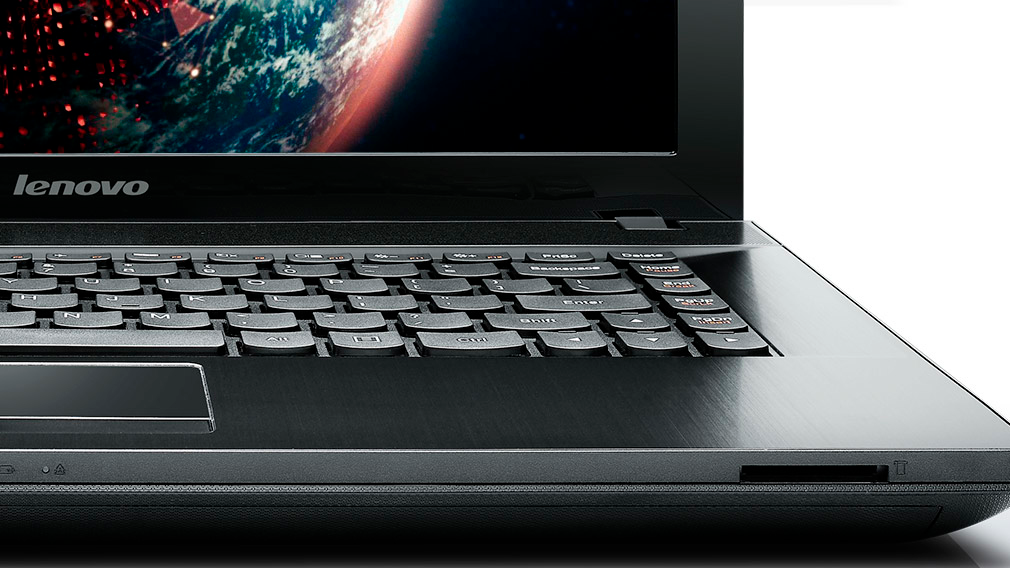
ESET security expert Martin Smolar has reported three vulnerabilities in the firmware of popular Lenovo laptop models.
This is reported by the publication TechRadar.
The expert pointed out that the problems in the system protection were detected in hundreds of models of the company's computers.
The described vulnerabilities have IDs CVE-2021-3970, CVE-2021-3971 and CVE-3972.
The first two allow hackers to disable flash memory protection and UEFI secure boot function.
With the third, hackers can remotely launch malicious code and hack into the system.The launch of dangerous software becomes possible while the computer is booting up, that is, even before control is transferred to the operating system.
\"This means they can bypass almost all security measures,\" Smolar added.